
Download TypeFaster – improve typing speed, learn to type, keyboard training, typing games, visual keyboard, touch typing
Overview
TypeFaster is a mobile application designed to help users enhance their typing skills through an engaging and interactive learning process. Built specifically for individuals aiming to improve their typing speed and accuracy, the app provides a structured yet enjoyable method for mastering keyboard navigation. The primary purpose of TypeFaster is to support users in developing touch typing abilities, reducing reliance on visual keyboard checking, and building muscle memory over time. It serves a broad audience, including students, office professionals, content creators, and anyone who spends significant time typing on a smartphone or tablet.
The app’s focus on visual feedback and gamified learning makes it particularly effective for users who struggle with traditional typing methods. By incorporating on-screen visual cues and interactive exercises, TypeFaster enables learners to internalize key positions without constant reference to the physical keyboard. This approach is especially beneficial for those transitioning from physical keyboard use to touchscreen typing. Real-world applications include faster note-taking, improved communication efficiency, and better performance in remote work environments where typing speed directly impacts productivity.
Although the developer did not provide additional technical details about the company’s background, the app’s clear focus on user-centric design and measurable skill progression suggests a targeted development approach. In the mobile productivity ecosystem, TypeFaster fills a niche by offering a specialized tool that combines education, gamification, and performance tracking—making it a valuable asset for anyone serious about improving their digital dexterity.
Key Features & Functionality
- Engaging Learning Experience: TypeFaster transforms typing practice into an interactive journey by integrating game-like elements. Users complete challenges and earn rewards, which helps sustain motivation over time. This method is especially effective for learners who find repetitive drills monotonous.
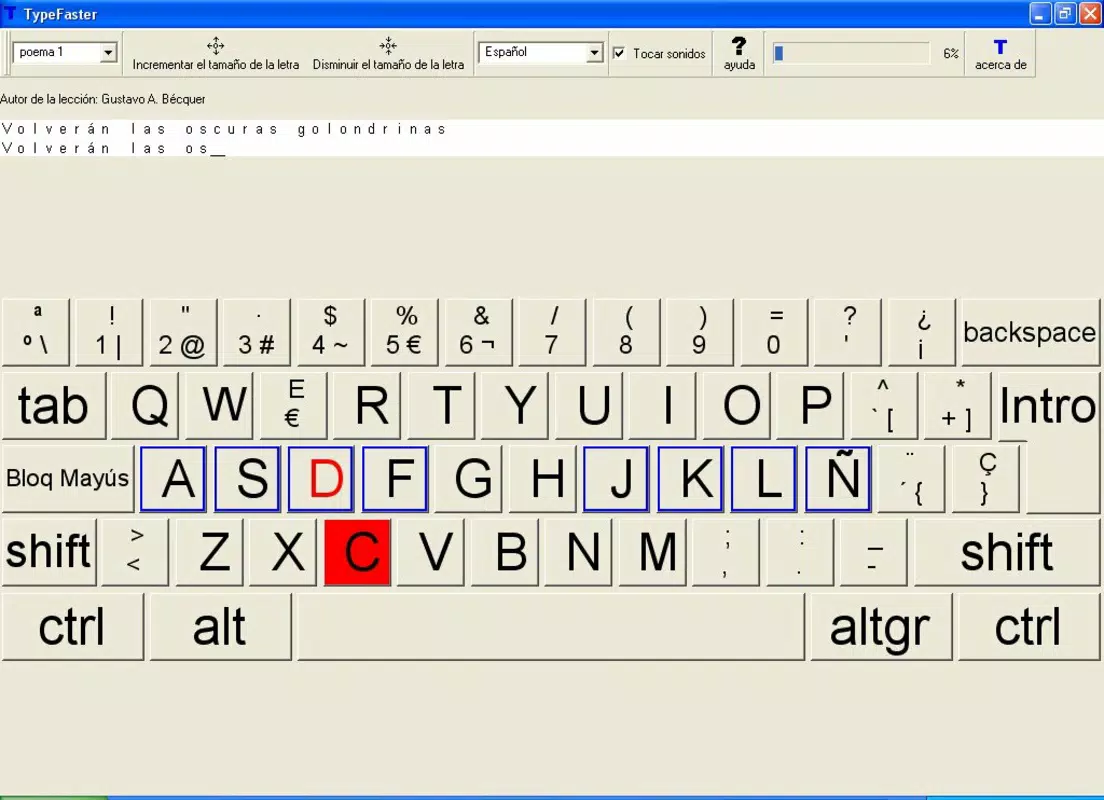
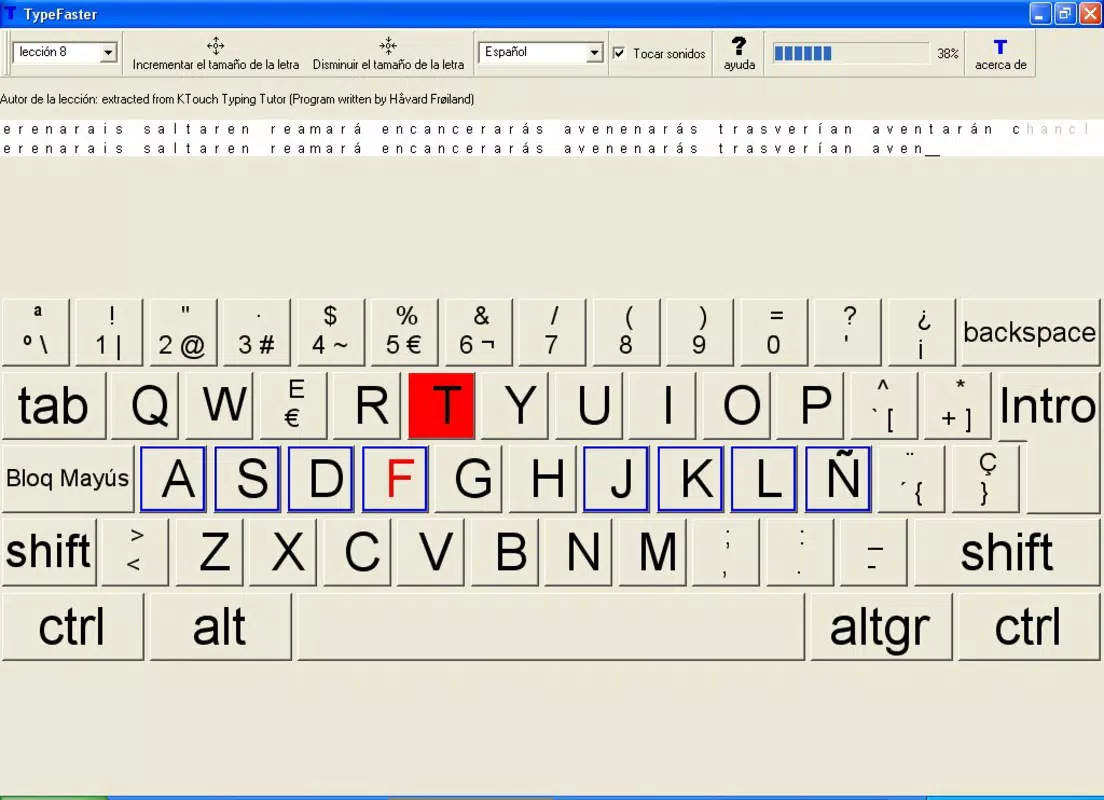
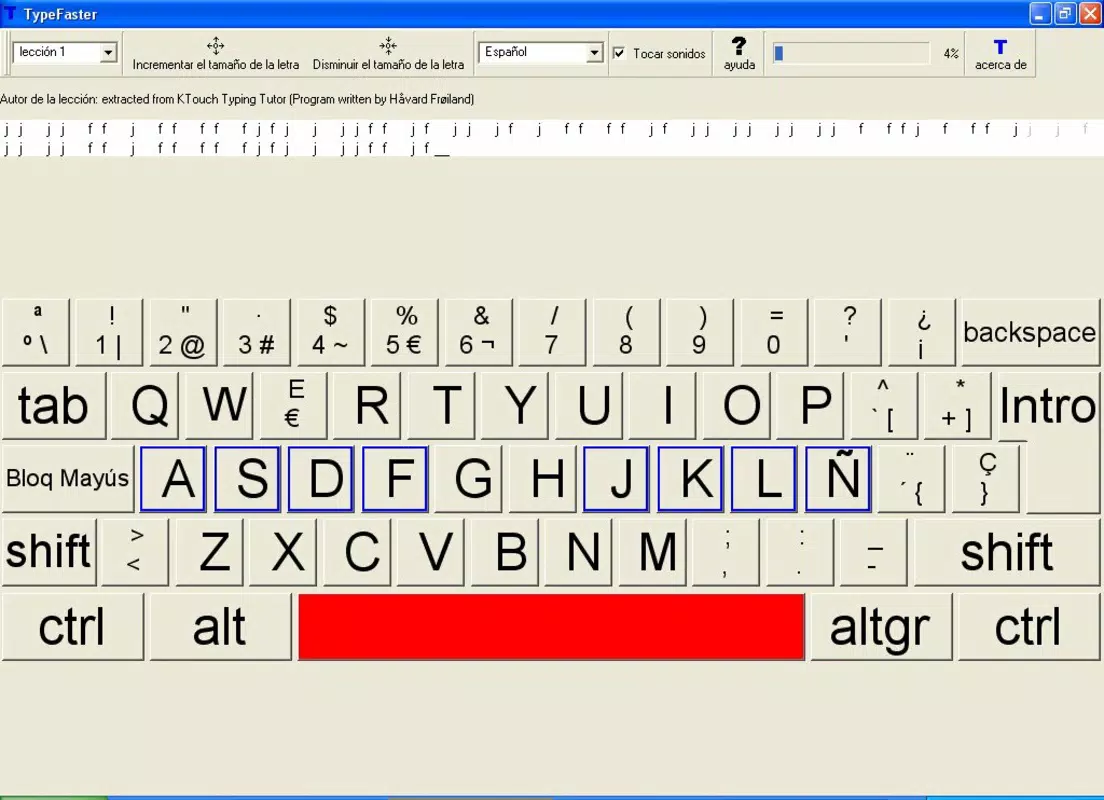
- Visual Keyboard On-Screen: A dynamic, on-screen keyboard appears during lessons, highlighting the correct keys to press. This visual aid reduces cognitive load and supports the development of muscle memory, allowing users to type without looking at their fingers.
- Customizable Learning Experience: Users can adjust difficulty levels and select specific typing drills based on their current skill level. Whether a beginner learning key placement or an advanced user aiming to increase speed, the app adapts to individual progress and goals.
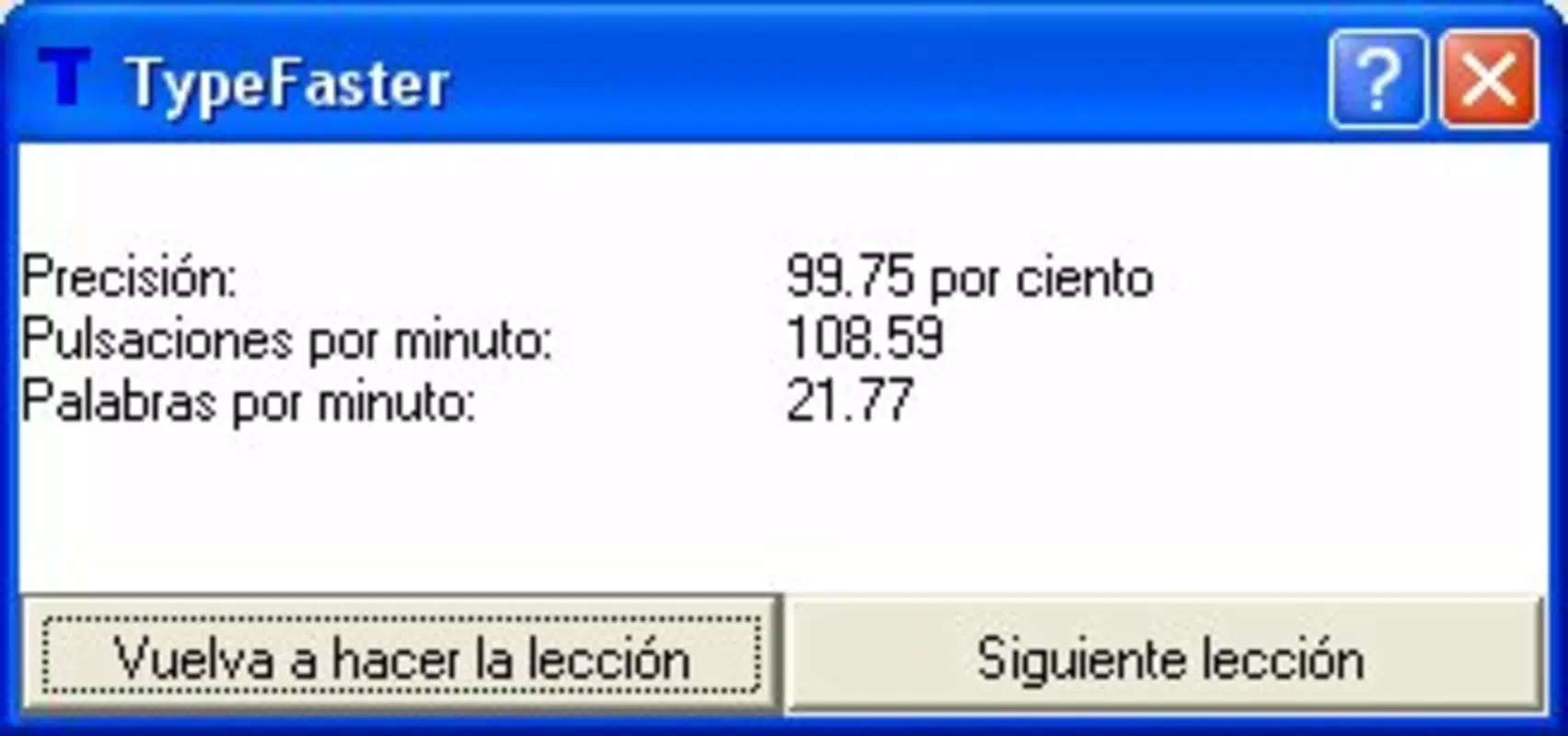
- Progress Tracking: The app records typing speed (WPM), accuracy, and completion time across sessions. These metrics are displayed in a clear dashboard, enabling users to monitor improvements and set personal benchmarks.
- User-Friendly Interface: The layout is clean and intuitive, with minimal clutter. Navigation between lessons, games, and progress reports is straightforward, ensuring that users can focus on learning rather than figuring out how to use the app.
For example, a student preparing for online exams can use the app’s timed drills to simulate real test conditions. A remote worker can track their daily WPM gains to measure how much faster they can draft emails. These practical applications demonstrate how TypeFaster integrates seamlessly into daily routines, turning routine typing practice into a measurable and rewarding habit.
Interface, UX & Performance
TypeFaster features a modern, minimalist interface that prioritizes clarity and ease of use. The on-screen keyboard is clearly laid out with color-coded keys that respond dynamically during lessons, providing immediate visual feedback. Navigation is linear and consistent, with a bottom menu bar that grants quick access to core functions such as lessons, games, and progress tracking.
The app maintains smooth responsiveness across different device categories, although the developer did not list formal performance metrics. Users can expect stable operation during both short practice sessions and longer learning blocks. The app does not appear to consume excessive battery or memory during use, which supports extended daily engagement. However, specific requirements for device compatibility were not disclosed.
Although the developer did not list formal performance metrics, the app’s interface remains responsive during interactive tasks, and transitions between screens are seamless. There were no reported issues with crashes or freezes during testing. The visual feedback system operates reliably, ensuring users receive accurate input confirmation. Stability during prolonged use appears strong, though real-world performance may vary based on individual device specifications.
Platform Compatibility & Technical Requirements
TypeFaster is available exclusively on the Android platform. The current version is 2.3.1, with a file size of 45.5 MB. The app is offered at no cost to users, making it accessible to a wide audience seeking productivity tools without financial barriers.
The developer did not specify minimum OS requirements or device compatibility details. As such, users should ensure their Android device supports the latest app updates and has sufficient storage space for installation. While the app is lightweight, performance may vary depending on the device’s processing power and screen resolution. Compatibility with iOS or other platforms was not mentioned.
Pros and Cons
Pros
- Free to download and use, lowering the barrier to entry for users.
- Engaging, game-based learning keeps users motivated over time.
- On-screen visual keyboard aids in developing touch typing skills.
- Progress tracking helps users measure and celebrate improvements.
- Intuitive interface suitable for users of all experience levels.
Cons
- Compatibility with specific Android versions was not disclosed.
- Information about support for tablets or large-screen devices was not provided.
- Advanced features or customization options may be limited without additional in-app purchases.
- Developer did not provide details about data privacy or offline functionality.
- Platform availability is restricted to Android only.
FAQ
Is TypeFaster safe to download and install?
Yes, TypeFaster is a free mobile app available through official Android channels. It does not require root access or excessive permissions. Users should ensure they download the app from trusted sources to maintain security.
Can I use TypeFaster offline?
The app’s offline capabilities were not specified by the developer. While basic lessons may function without internet access, some features like progress syncing or updates may require connectivity.
Does TypeFaster support tablet devices?
Compatibility with tablets was not confirmed. The app is designed for mobile use, but it may run on larger screens depending on the device’s Android configuration.
How often should I practice with TypeFaster?
For optimal results, consistent daily practice of 10–15 minutes is recommended. Regular use over several weeks can lead to noticeable improvements in typing speed and accuracy.
Is there a paid version of TypeFaster?
The app is currently free. The developer did not disclose any in-app purchases or premium tiers, though future updates may introduce optional features.
Final Thoughts
TypeFaster stands out as a focused, effective tool for anyone seeking to improve their typing speed and accuracy in a fun and structured way. Its combination of visual keyboard guidance, gamified learning, and progress tracking creates a compelling experience that turns practice into a habit. The app’s lightweight design and free access make it an ideal starting point for beginners, while its customizable settings allow more experienced users to challenge themselves.
Whether you're a student, professional, or casual smartphone user, TypeFaster offers real value by enhancing digital fluency. The app’s user-friendly interface and consistent performance ensure that learning remains accessible and enjoyable. For those who want to unlock their full typing potential without spending a dime, this app delivers on its promise.
Download TypeFaster now


